Can You Use a ChatGPT-Generated Face for Your Passport Photo? No.
A fully AI-generated face won't work as a passport photo. Here's why synthetic faces fail, how they differ from formatting a real photo, and what to do instead.
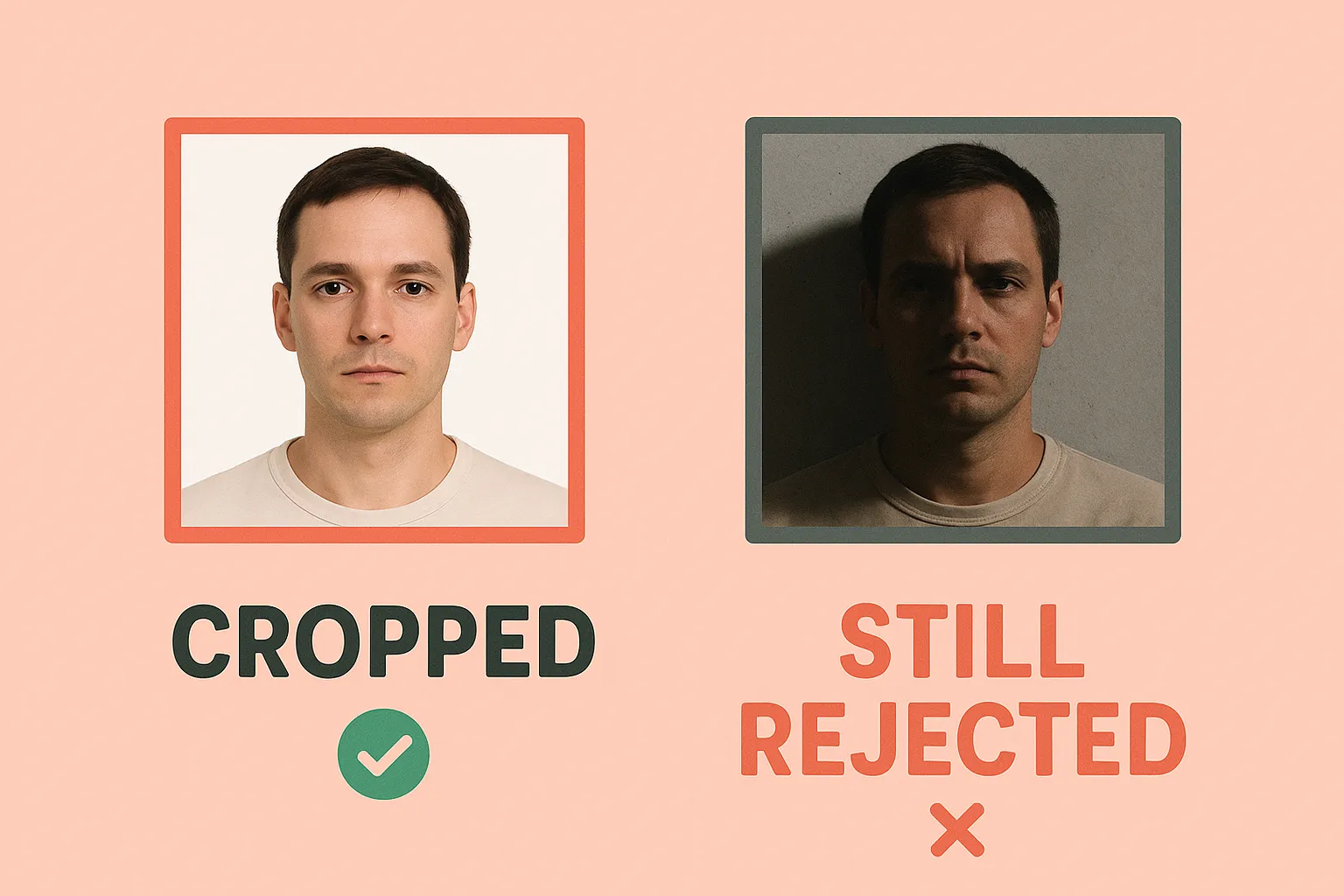
People are asking ChatGPT to generate passport photos. A fully synthetic face, created from scratch by AI, submitted as if it were a real photograph of a real person.
This will not work.
A made-up face is not you. A passport photo’s entire purpose is proving you are who you claim to be. A synthetic image cannot do that.
The Short Answer
If you’re considering using an AI-generated face for your passport photo, stop. A fully synthetic image fails the fundamental requirement that a passport photo be a photograph of the actual applicant. The face in the document needs to be your face.
This article addresses fully AI-generated faces (a face that doesn’t exist, created by tools like ChatGPT, Midjourney, or similar). If you’re wondering about editing a real photo of yourself with Photoshop or filters, that’s a different question. See our guide on Photoshop and passport photos for that scenario.
Why a Generated Face Won’t Work
An identity photo must be a real photograph of you. Not a representation, not an artistic rendering, not a synthetic image that resembles you. A photograph, taken by a camera, of your actual face.
A generated face fails this requirement in the most basic way possible: it isn’t you. It’s a made-up image of a person who doesn’t exist.
This matters because:
-
The photo is linked to your identity. Your passport connects a photograph to your name, your date of birth, your citizenship status. That photograph needs to actually be you.
-
The photo is used for verification. When you present your passport, officials compare your face to the image in the document. A synthetic face has no relationship to what you look like.
-
Submitting a fabricated image raises serious concerns. A passport is a federal identity document. The photo you provide is part of a legal declaration.
Generated Face vs. Retouching: Two Different Problems
There’s an important distinction here. Two categories of AI use get conflated, but they’re not the same:
Altering a real photo means taking an actual photograph of yourself and using AI or editing tools to change your appearance (smoothing skin, slimming face, removing blemishes, applying beauty filters). This is problematic because it misrepresents what you actually look like. For details on what editing is and isn’t allowed, see our guide on Photoshop and passport photos.
Using a generated face means submitting an image of a person who doesn’t exist. This isn’t misrepresentation of your appearance; it’s submitting a photo of someone who isn’t you and isn’t real. It fails at an even more basic level.
Both cause problems. But a generated face isn’t just against editing rules. It contradicts the entire purpose of an identity photograph.
Why Identity Photos Can’t Be Synthetic
A passport photo exists for one reason: to let officials verify that the person standing in front of them is the same person described in the document. The photograph is linked to your biometric data, your name, your date of birth, and your citizenship status.
When you submit a passport application, you’re making a legal declaration. The photo you provide represents you. Using a synthetic face would mean:
-
The photo doesn’t match you. When you present your passport at the border, the face in the document won’t be your face. No amount of “it looks like me” changes this. A generated face is not a photograph of you.
-
Biometric systems won’t match. Modern border control uses facial recognition to compare travelers against their passport photos. A synthetic face has no relationship to your actual facial geometry.
-
It raises fraud concerns. Submitting a fabricated image on a federal identity document is not a minor rule violation. Passport fraud is a serious matter.
AI detection in identity verification isn’t just about catching filters. It’s about ensuring the photograph is a genuine representation of a real person.
What About “AI That Makes You Look Better”?
Some people aren’t trying to submit a completely fake face. They’re using AI tools that claim to “enhance” photos or generate “professional headshots” from selfies. These tools often create images that look realistic but may:
- Subtly alter facial proportions
- Smooth skin beyond what any camera captured
- Change lighting in ways that affect how your face appears
- Generate elements that weren’t in the original photo
Even if the result “looks like you,” if AI generated or substantially altered the image, it’s not an original, unedited photograph. An identity photo needs to show what you actually look like, not what an algorithm thinks you should look like.
What to Do Instead
Getting a compliant passport photo is straightforward. You don’t need AI. You don’t need professional equipment. You need a real photograph of yourself that meets the specifications.
Take a proper photo. Use good natural lighting (near a window during the day works well). Stand against a plain white or light-colored wall. Have someone else take the photo at arm’s length or further to avoid the distortion that comes from selfies. Keep a neutral expression with your eyes open and mouth closed.
Fix problems by retaking, not editing. If the lighting is bad, find better light. If there are shadows, move away from the wall or adjust your position. If your expression isn’t right, take another shot. The solution to a bad photo is a better photo, not digital manipulation.
Use a tool that formats (not alters) your photo. There’s a difference between changing your appearance and formatting a photograph. Cropping to the right dimensions, ensuring your head is the correct size in the frame, replacing the background with plain white: these are formatting steps. They don’t change what you look like; they prepare a real photograph to meet technical requirements.
One Dollar Passport Photo does exactly this. You upload a real photo of yourself. The system checks that it meets requirements (lighting, expression, positioning), crops it to the correct dimensions, and ensures the background is plain white. It doesn’t alter your appearance. It formats a real photograph to meet technical specifications.
Common Questions
Will passport review detect a ChatGPT-generated face?
Modern AI detection is sophisticated, and passport review includes both automated systems and human examination. Beyond detection, a synthetic face won’t match you at the border, which creates immediate problems regardless of whether submission flagged it.
What if the AI-generated face “looks exactly like me”?
It’s still not a photograph of you. A passport photo must be an actual photograph, not a representation. Even if a generated image resembles you closely, it wasn’t captured by a camera pointed at your face. It fails the fundamental requirement.
Can I use AI to fix the background but not my face?
The concern with AI is about altering appearance. Replacing a background doesn’t change how you look (your outline, your face, your features). However, if background removal clips into your hair or creates artifacts around your head, that’s a problem. The key question is whether the result still shows your genuine, unaltered appearance. Simple background replacement to plain white, done properly without affecting your outline, is formatting, not altering your appearance.
What’s the difference between One Dollar Passport Photo and using ChatGPT?
One Dollar Passport Photo formats a real photograph of you. It crops, sizes, and validates an actual image you took. ChatGPT (or similar tools) generates synthetic images. One processes your photo; the other creates something that isn’t your photo at all.
Can I use an AI headshot I already paid for?
No. “Professional AI headshots” generated by services that offer “LinkedIn-ready photos from a selfie” are synthetic images. They’re not photographs. Even if they look professional and realistic, they don’t meet the requirement for an original photograph of you.
Passport photos serve a specific function in the identity verification system. A photograph that’s actually of you, taken by a camera, is the foundation. AI-generated faces, no matter how convincing they appear, cannot fulfill that function.
If you need a compliant passport photo, start with a real photograph. One Dollar Passport Photo can help you format it correctly without any of the alterations that get photos rejected.
Need this photo now? Make it in 2 minutes for $1.
Ready to create your passport photo?
Get a compliant photo in 2 minutes for just $1. No signup required.