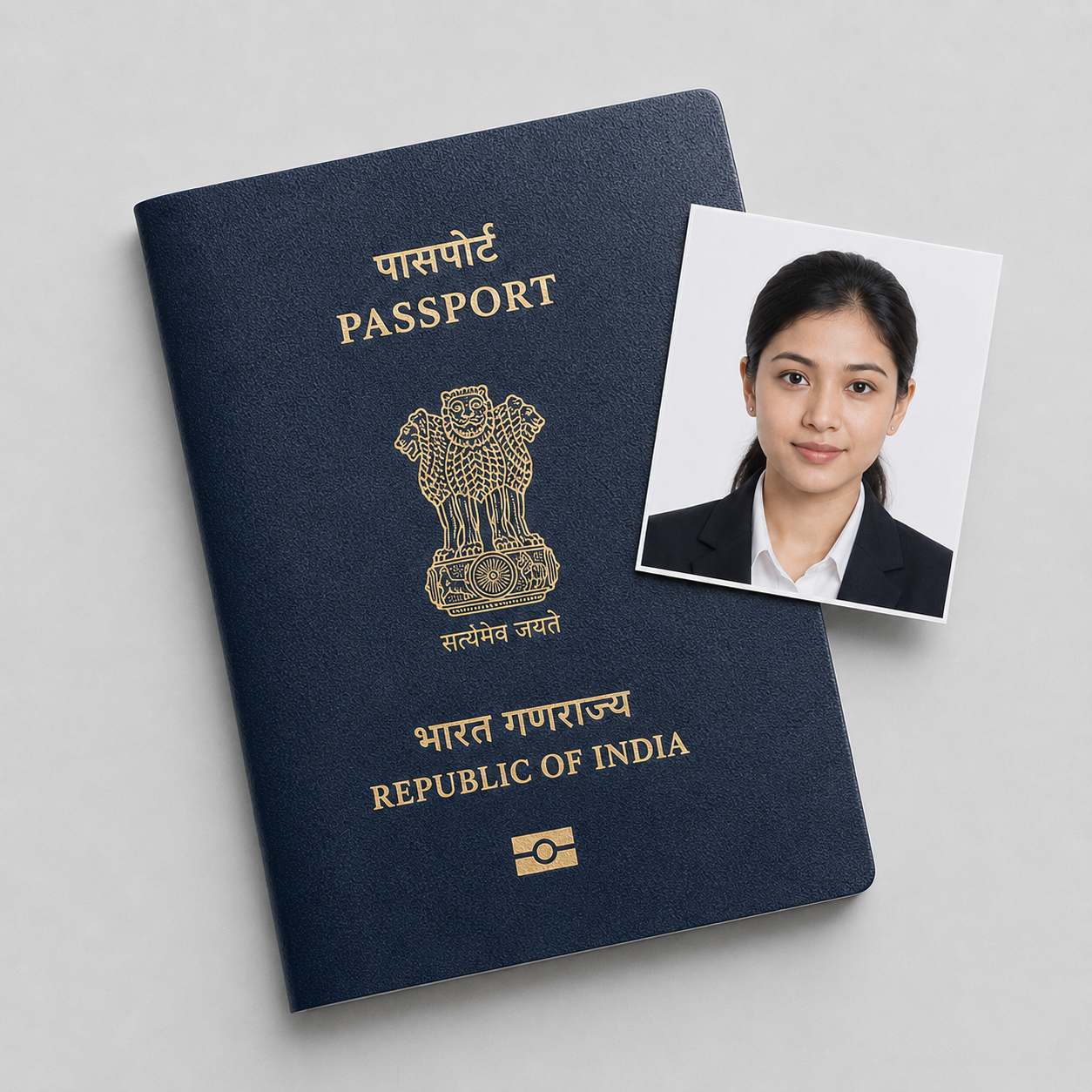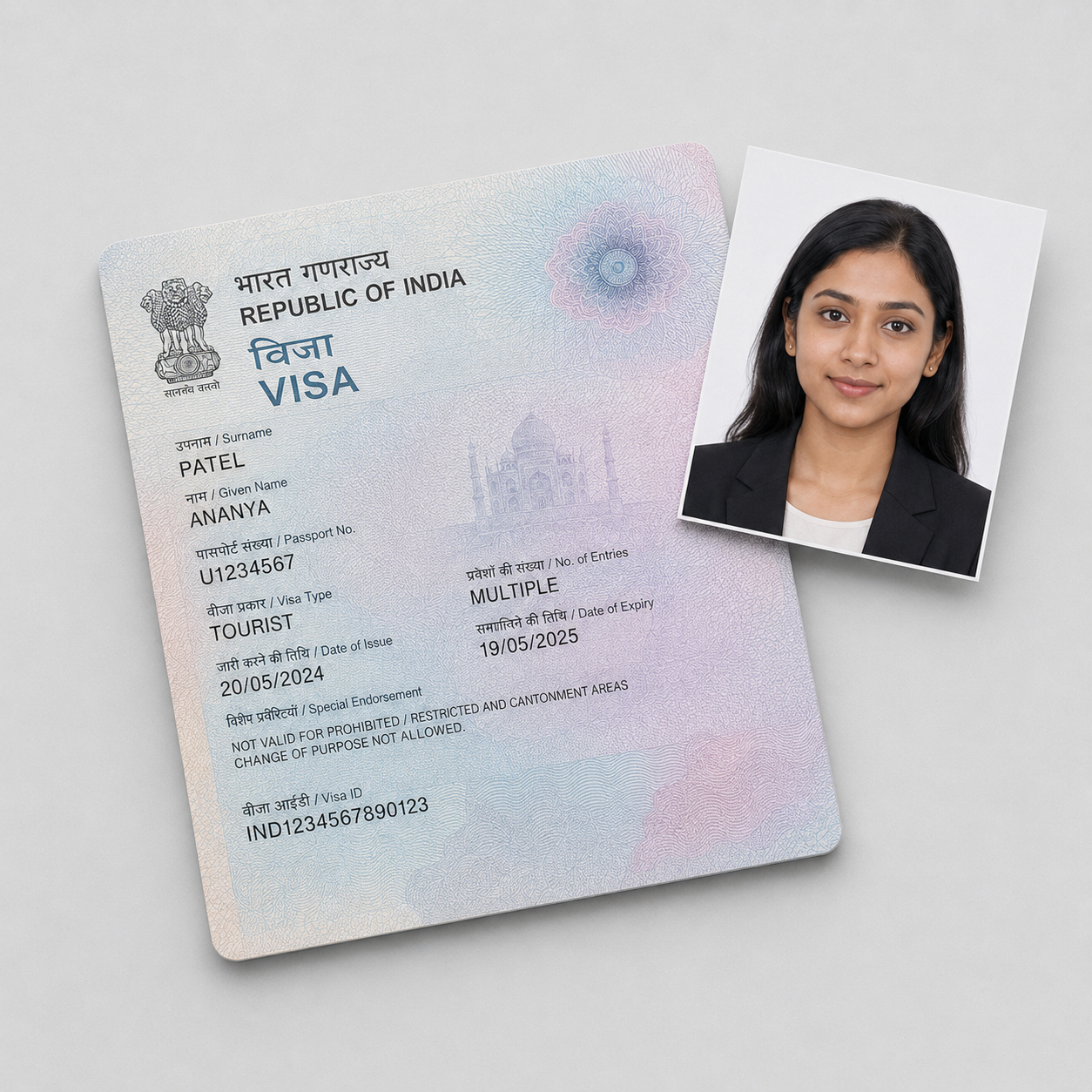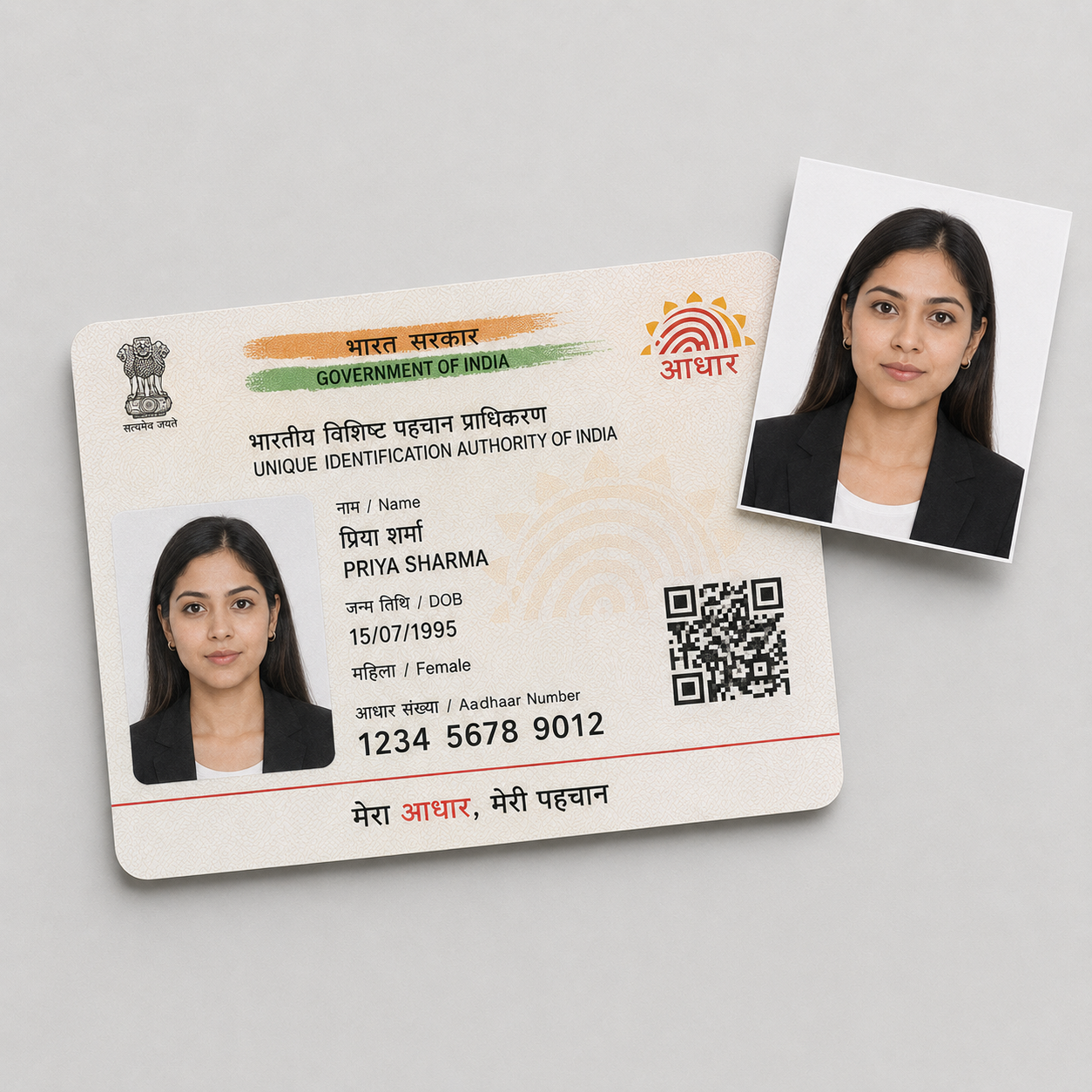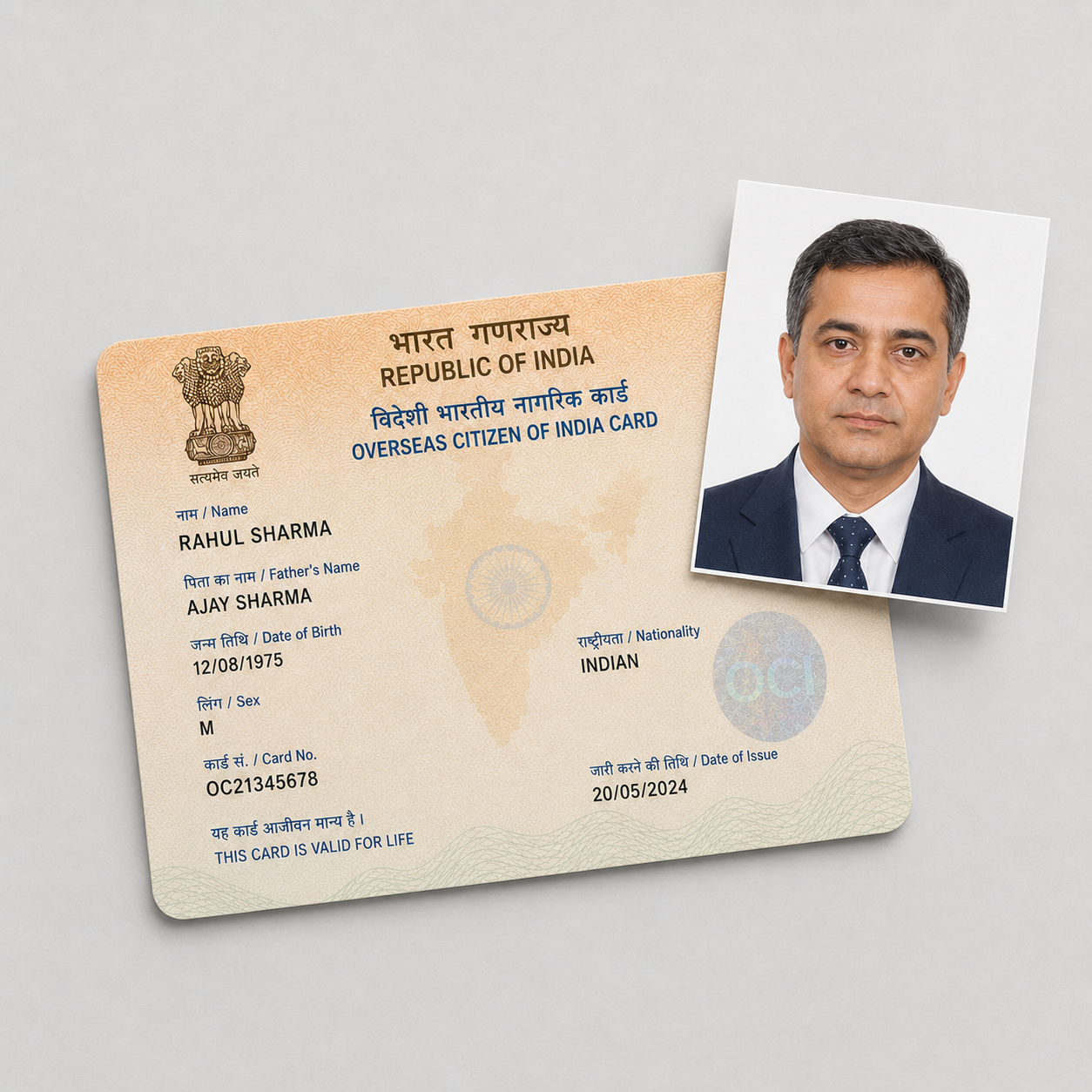
Choose your photo format
The online upload and printed photos use different crops. Select the purpose in the picker above before uploading. Neither option is selected for you.
| Option | Dimensions | Use it for |
|---|---|---|
| Passport Seva online upload | 630×810 pixels, portrait JPEG, maximum 250 KB | Uploading your photograph to the government surrender application |
| US VFS printed photos | 2×2 inches (approximately 51×51 mm), square | Physical photos requested by the US VFS checklist |
A square digital file made for printing does not meet the portrait upload requirement. If the portal says “Dimensions should be 630*810 pixels,” choose Passport Seva online upload.
Passport Seva online upload
Passport Seva also handles surrender applications. Its name does not mean you are applying for a new passport.
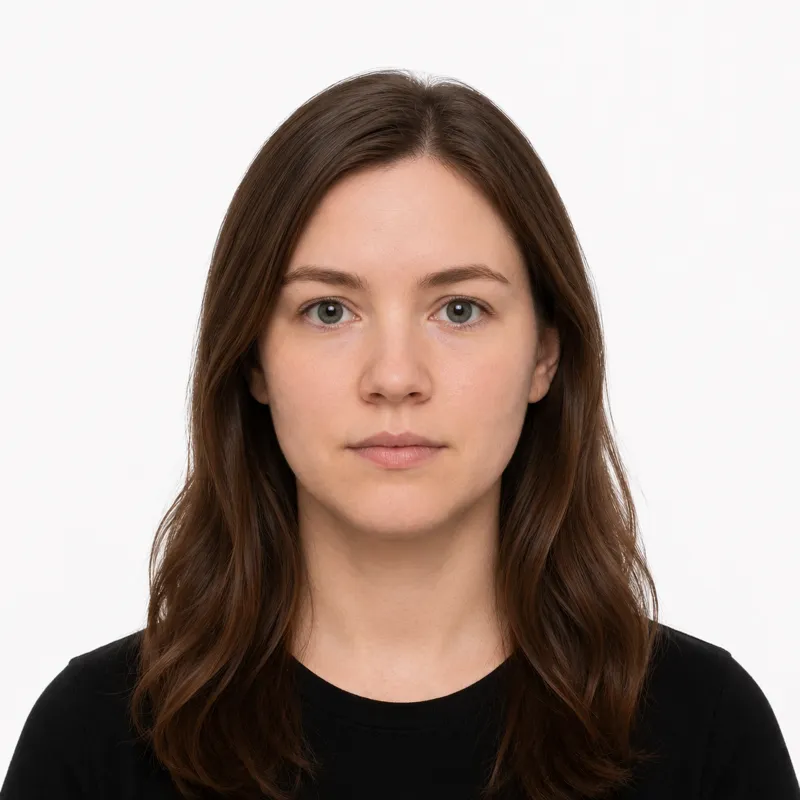
The Indian High Commission’s surrender guidance specifies a 630×810 pixel color photograph, a white background, 80–85% face coverage, and a 250 KB maximum. Show your full head from the top of your hair to your chin, facing forward with your eyes open and mouth closed. Avoid shadows, blur, reflections, and hair covering your eyes.
The online option uses a portrait crop and downloads a JPEG at the required pixel dimensions. Upload that single-photo file, not a print sheet or screenshot. Complete the photo and signature upload before printing the government form.
US VFS printed photos
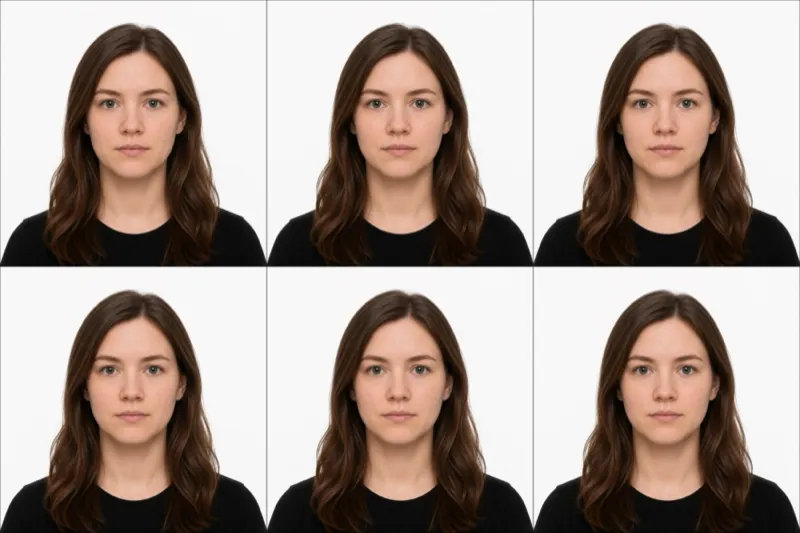
The US VFS surrender checklist asks for two recent 2×2 inch printed color photographs, taken within six months, facing forward against a white background on photographic paper.
Choose US VFS printed photos for that requirement. This option uses a square crop with a head-height target of approximately 25–35 mm. Print at the stated physical size without enlarging the sheet to fit the paper.
Physical-photo instructions vary by mission. Wellington’s instructions explicitly say not to send physical photos. Applicants outside the US should check their receiving mission’s current checklist rather than assume that US print rules apply.
When you need both formats
Use the same original photograph to make each crop. Selecting one option produces that format; it does not automatically include the other crop. A print sheet uses the dimensions of the option you selected.
For the government upload, choose the portrait option. For US square prints, choose the print option and generate a separate crop from the original. Do not stretch a square image into a portrait or use the portrait print sheet as a substitute for 2×2 inch copies.
Frequently asked questions
Which option should I choose if the portal rejected a square photo?
Choose Passport Seva online upload when the error asks for 630×810 pixels. That error identifies the upload dimensions; it does not establish whether the application is for passport renewal or surrender.
Can I upload my 2×2 inch photo?
Not as a square file when the portal requires 630×810 pixels. Start from the original photograph and generate the portrait crop.
Can I reuse an OCI photo?
A recent square OCI photo may have the right dimensions for the US printed copies, subject to the checklist’s other requirements. Its square file does not meet the 630×810 online upload dimensions.
Does choosing the print package give me both crops?
No. The print sheet follows your selected format. The online upload and US print options require separate crops.
Ready to skip the studio?
Upload a selfie and get a compliant photo in 2 minutes.
Sources & References
This guide is fact-checked against official government publications and updated regularly to reflect the latest requirements.
- [1] High Commission of India, Wellington - Surrender Certificate / Renunciationhciwellington.gov.in
- [2] VFS USA - Surrender checklist, adult with passportvfsglobal.com
- [3] VFS Global USA - Apply for Surrender of Indian Passportvfsglobal.com